
01 · Scattered files
Your course files live in different places.
Lectures, readings, and past exams are hard to bring together when you need to study.
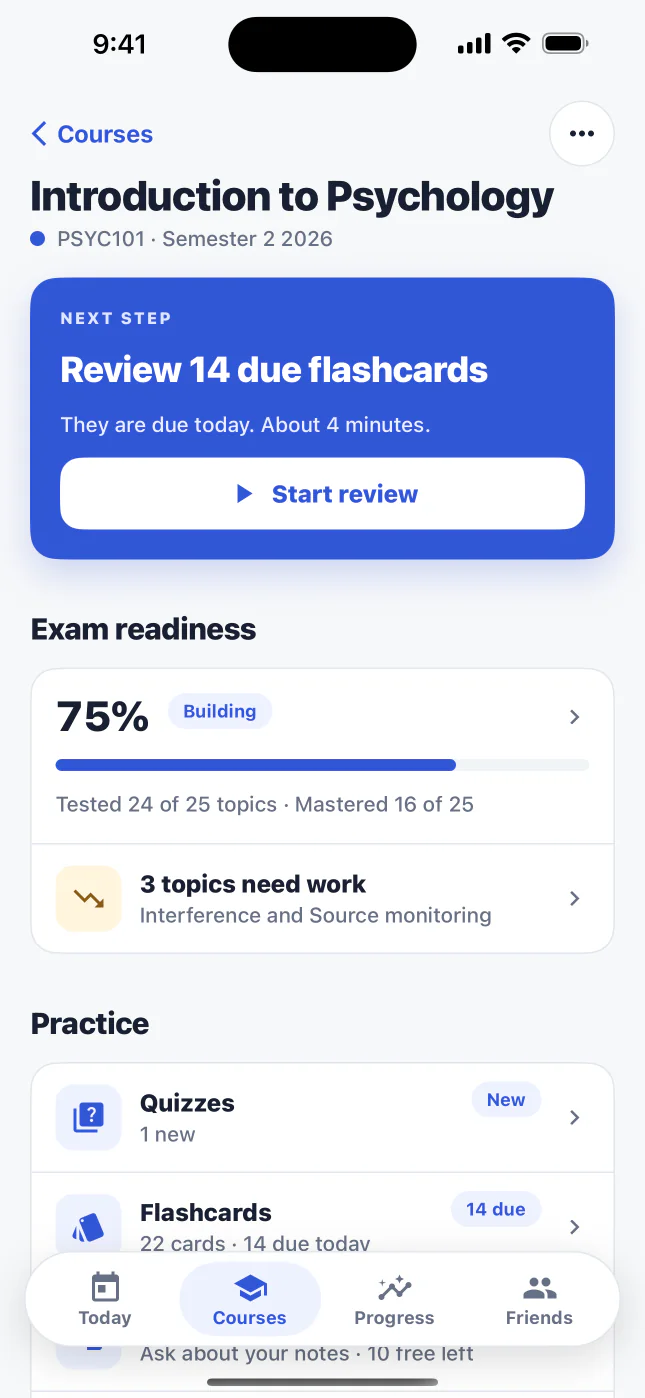
Add a lecture, reading, or past exam. BetterGrades turns it into quizzes and flashcards, then shows weak topics and what to study next.
Add material
A lecture, reading or past exam
Practise
Quizzes and flashcards from it
Find weak topics
Readiness shows what needs work
Focus next
One next step, chosen for you
See it in action · 0:20
Watch the sample lecture, Photosynthesis: Overview, become a quiz, a flashcard and a clear next topic.

The film shows the sample lecture Photosynthesis: Overview being uploaded. BetterGrades reads the file and finds key concepts, a quiz question about where the Calvin cycle takes place is answered, a flashcard about chlorophyll is reviewed, and Exam Readiness shows the next topic to focus on. It ends with the line: know what to study next.
The exam-prep problem
You have the material. The hard part is turning it into practice, finding the gaps, and deciding where to spend your next study session.
01 · Scattered files
Lectures, readings, and past exams are hard to bring together when you need to study.
02 · Slow to set up
You know active recall helps, but writing enough quiz questions and flashcards by hand can stall the session.
03 · No next step
After a quiz, you need more than a result. You need a specific concept to revisit.
How it works
Three steps, one loop. Every question and card stays tied to the material you add.
What you get
Quizzes, flashcards, Exam Readiness and Study Coach all work from the course material you add, so each session builds on the last.
Made for iPad
On iPad, BetterGrades uses the room. Study from the same account and the same course material, on a screen that shows more of it at once.
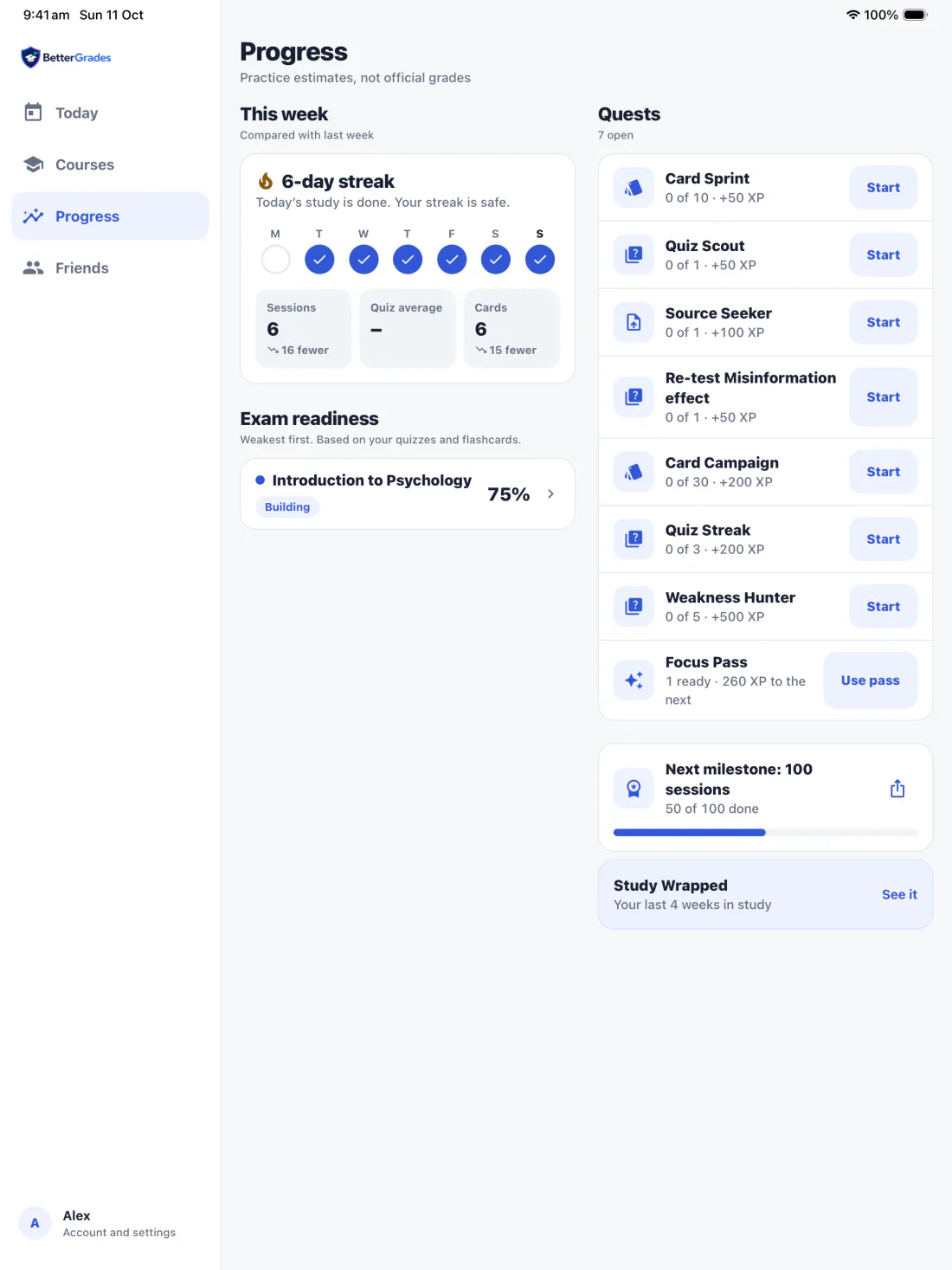
A sidebar for the four tabs
Today, Courses, Progress and Friends stay one tap away, with your account at the foot.
Two columns where there is room
A course puts your next step and practice beside exam readiness and materials, instead of one long scroll.
A focused column for studying
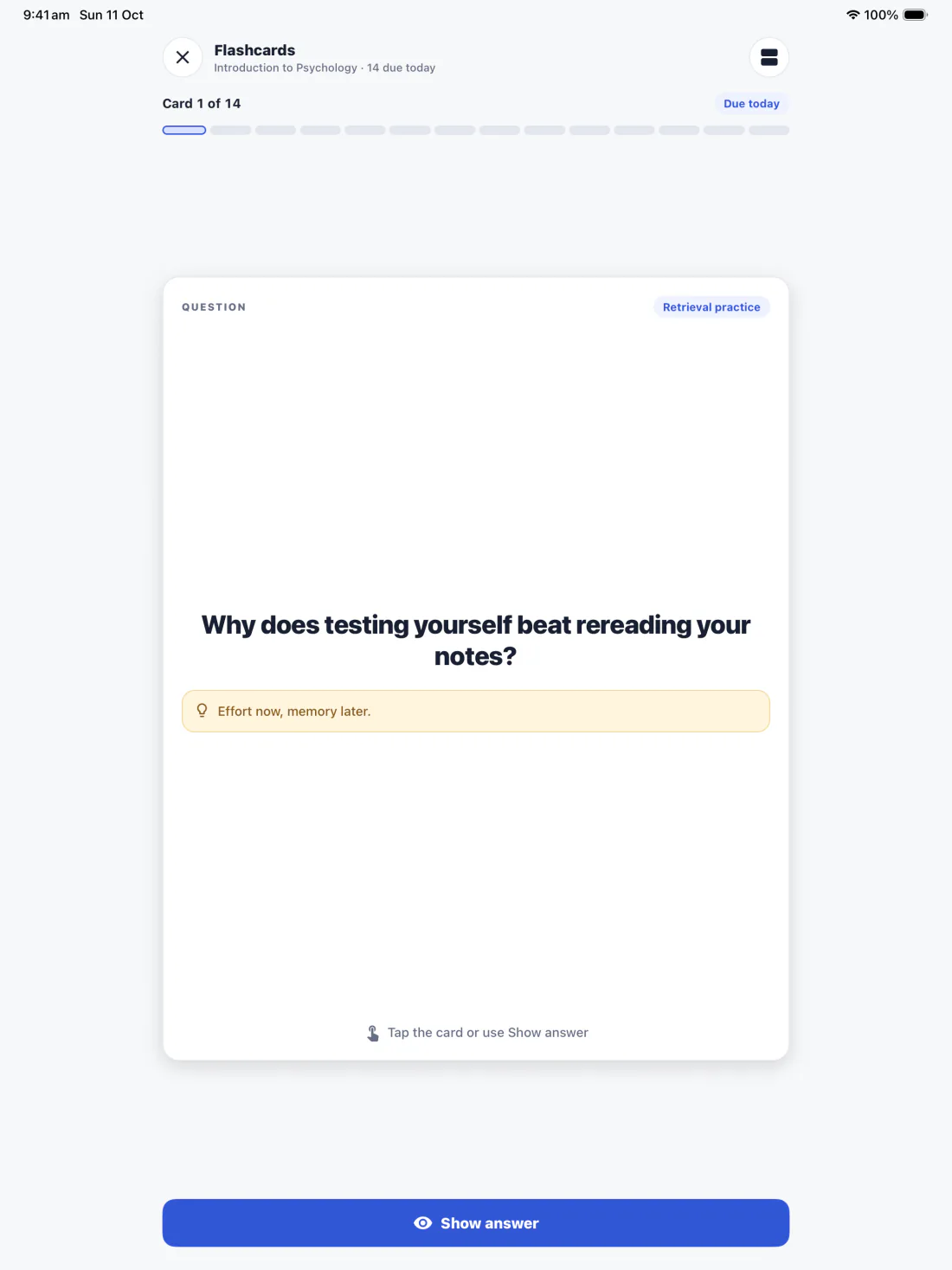
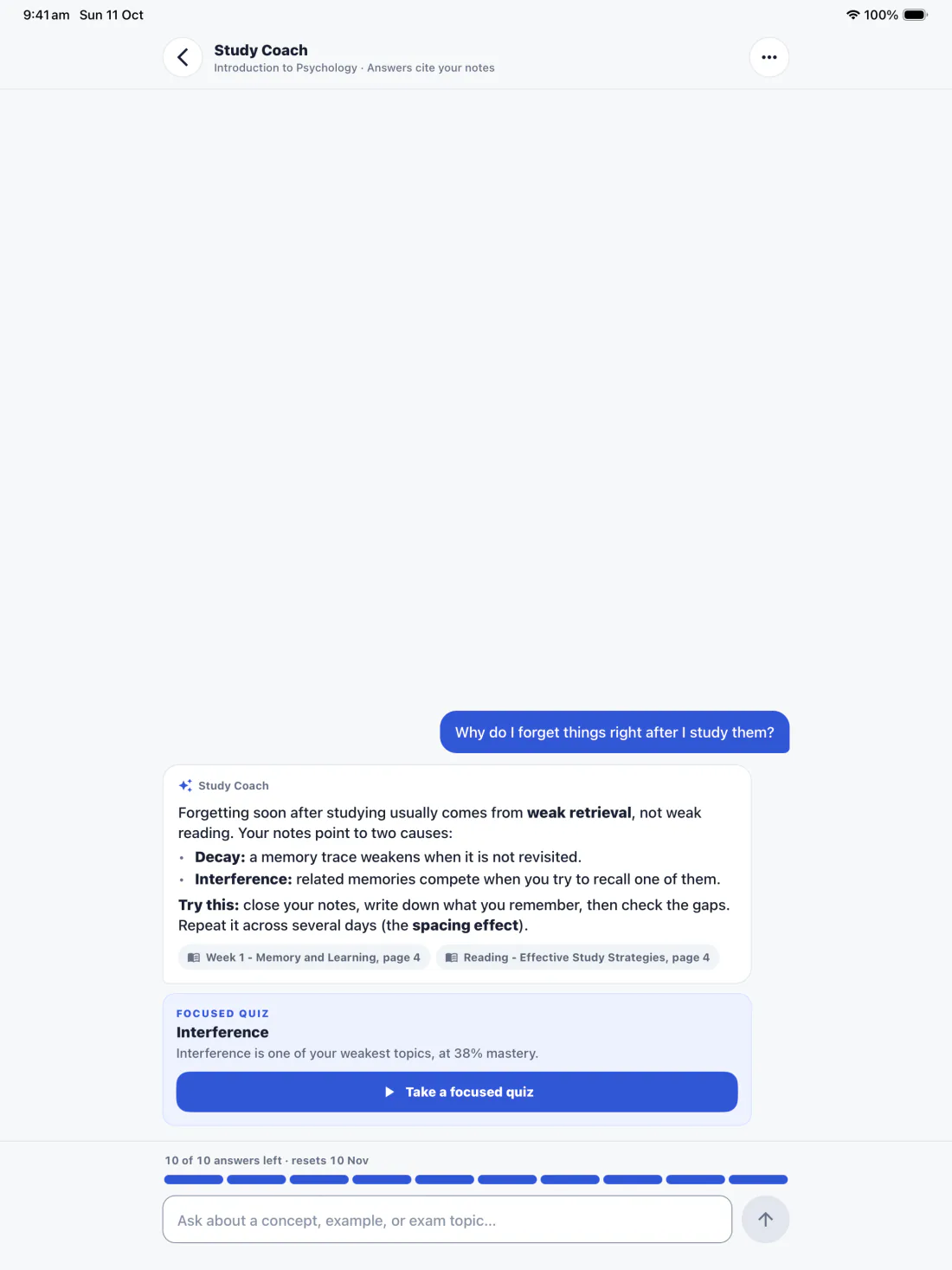
Quizzes, flashcards and Study Coach open in a centred column, so a session has room and nothing competes for it.

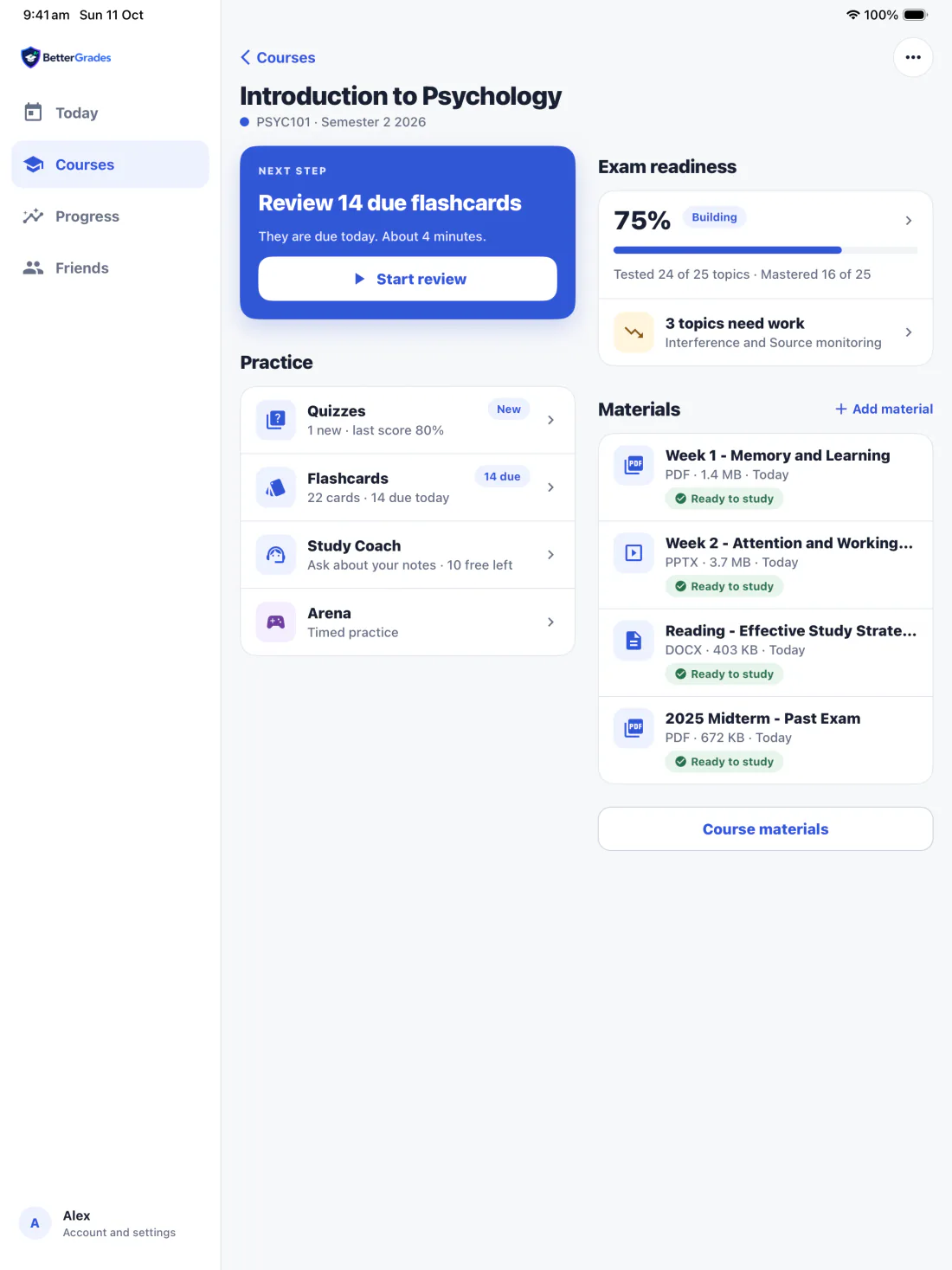
Next step and practice on the left, exam readiness and materials on the right.
What is at stake
When you only reread or keep materials scattered, you can miss weak concepts. You risk using limited pre-exam time on familiar material and reaching the exam without a clear next topic.
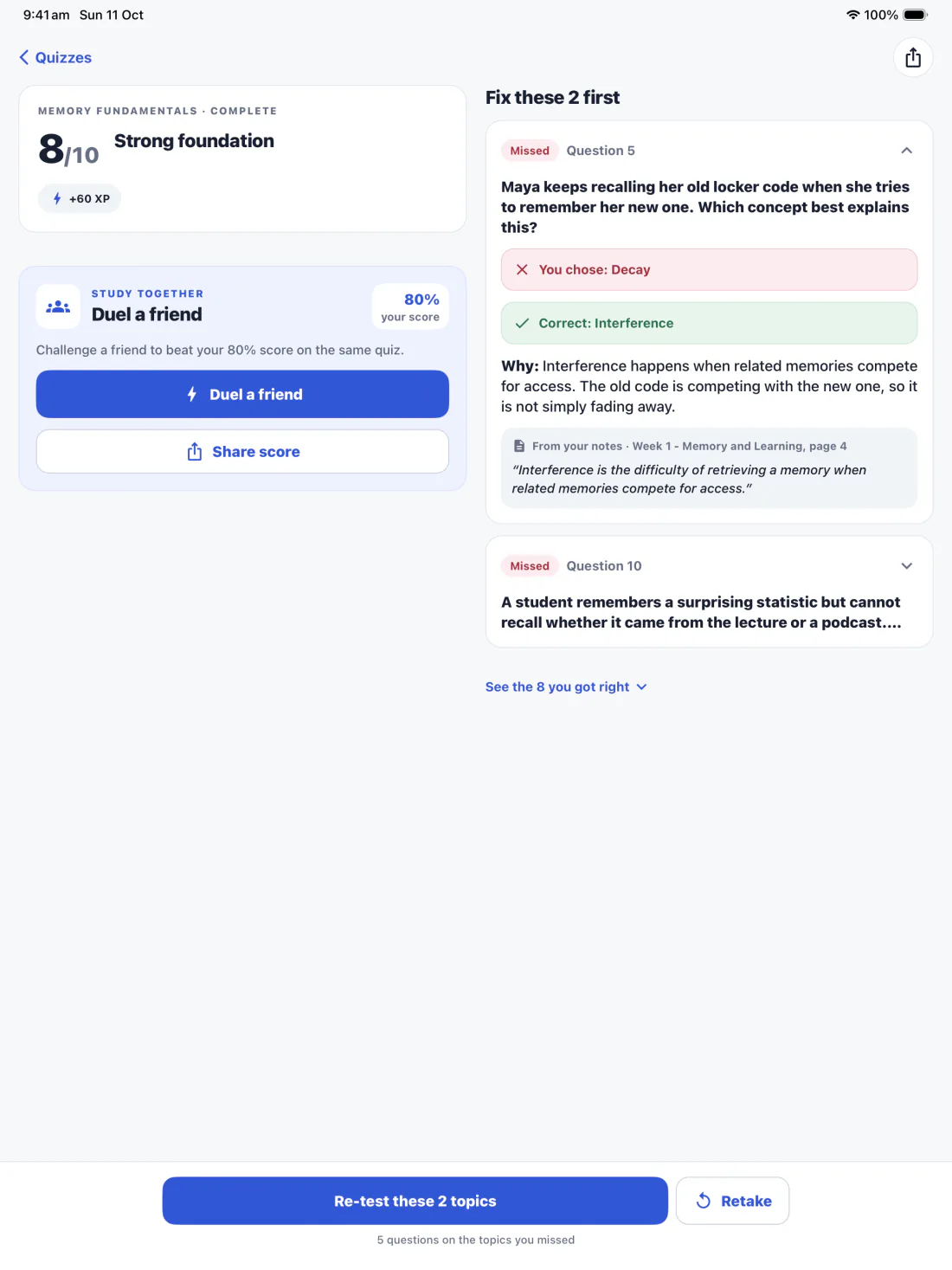
Exam Readiness shows which concepts you have practised and where to focus next. It tracks practice, not course grades.

Why trust BetterGrades
BetterGrades keeps your material at the centre of the study loop and makes the important boundaries visible.
AI processing starts only after you approve it. You can turn it off in Account and delete your account in the app.
Upload lecture notes, readings, or past exams so the study loop stays tied to your course.
Quiz questions include source references, and the results quote the line from your notes, so you can check important information against your uploaded material.
AI-generated content may contain mistakes. BetterGrades supports study decisions; it does not predict grades or guarantee exam results.
AI processing starts only after you approve it. You can turn it off in Account and delete your account in the app.
Answers before you start
If your lecture notes, readings, and past exams are scattered, building practice by hand takes time, and a quiz score does not tell you what to do next, BetterGrades brings them into one study loop: upload, practise, and review weak topics.
BetterGrades turns your own course material into quizzes and flashcards tied to your course. You spend the session practising recall, then use weak-topic insights and Exam Readiness to choose what to study next.
If you only reread or study without targeted practice, familiar material can hide weak concepts. You risk spending limited pre-exam time on the wrong topics. BetterGrades gives you practice feedback to choose a clearer next step.
Practice starts from the course material you upload, and quiz questions include source references so you can check important information. AI-generated content may contain mistakes. BetterGrades supports study decisions; it does not predict grades or guarantee exam results.
Download the iPhone, iPad or Android app, add a lecture, reading, or past exam, then make a quiz or flashcards. Fix what you missed first, then use Exam Readiness and your Today screen to decide what to study next.
Yes. Starting a quiz returns at once. The build shows as a pill above the tab bar with a real count, such as “4 of 10 ready”, and you can leave the screen. If a build can’t finish, the app tells you why and that it used no build.
Yes. BetterGrades runs on iPhone and iPad. On iPad, a sidebar holds Today, Courses, Progress and Friends, and a course opens in two columns, so your next step, practice, exam readiness and materials sit on one screen. Quizzes, flashcards and Study Coach open in a focused, centred column.
Prepare for exams with practice built from your own course material.

On a laptop? Scan to get the app on your phone.